Press kit · Updated 22 July 2026
Everything you need to write about Migro
Migro moves approved content from staging to production, and lets an editor run the deploy instead of a developer. Below: a 60-second demo, the announcement in full, facts worth checking, and logos you can drop straight into a post. All of it free to use and quote.
The product in 60 seconds
One post, staging to production, start to finish.
No edits, no speed-ups, no narration. This is the plugin doing the thing it was built for, in real time, on two real WordPress installs.
staging.migro.dev / wp-admin / migro
Recorded 22 July 2026. Download the file (MP4, H.264, 1920x1080, 63 seconds, 24 MB). Free to embed or re-host with credit to migro.dev.
For immediate release
Migro takes WordPress content deploys off the developer's desk
A free plugin that pushes individual posts and pages from staging to production, and lets editors run the deploy themselves instead of queuing behind whoever has database access.
22 July 2026
A client approves three edited pages on staging. Getting them live has meant picking the least bad of three options: recreate the pages by hand and re-upload the media, hoping nothing was missed; clone the staging database over production and wipe out two weeks of comments, orders, and new posts; or write a custom WP-CLI script that handpicks database tables, which works fine until you remember only a developer can run it.
That last detail is where the real damage happens, and it rarely gets counted. Because none of those options can be handed to the person who actually wrote the content, editors stop asking. They make the small updates directly on production instead, and the staging site drifts out of date until nobody trusts it. The deploy process did not just cost developer time; it quietly trained everyone to bypass staging altogether.
Migro is a WordPress plugin built for that one job. An administrator sets up the link between the two sites once, in a wizard that asks for the destination's database credentials and a WordPress Application Password. Content and its metadata then move over a direct database connection, and media files upload through the REST API. The credentials are encrypted in the options table and entered exactly once.
After that, anyone with the right role can select individual posts, pages, or batches and push them. Taxonomies, featured images, embedded media, custom fields, author attribution, and alt text move with the content. Everything not selected stays exactly as it was on the destination. Pulling works the same way in reverse.
Deploys that do not need a developer
Setting up the connection needs an administrator, and it needs real credentials. Running a deploy afterwards does not. Migro gates migrations on the capability WordPress grants to the Editor role, rather than on Administrators. Editors and content teams move their own approved work to production without ever seeing a database password, without shell access, and without filing a ticket.
Settings, connections, and backups stay administrator-only. The split is the whole point: credentials are configured once by the person responsible for the infrastructure, and after that the person who wrote the page can ship the page.
Migro does ship a WP-CLI command, in Pro, for teams that want deploys running from CI. The point is not that command lines are bad. It is that when the command line is the only door, routine content updates inherit a developer's calendar.
Under the hood
- Sync keys. Re-deployments update in place instead of creating duplicates when IDs or slugs drift between environments.
- Pre-overwrite backups. A local backup runs before anything is overwritten. On restore, each post is rewritten inside a database transaction, so a failure partway through cannot leave a half-written post behind.
- Media deduplication. Files are hashed with MD5, so an image already present on the destination links to the existing attachment instead of uploading a second copy.
- Resumable transfers. Deploys run in chunks and media is streamed from disk rather than loaded into memory, which is what keeps large batches from dying on shared hosting time limits.
- Structure preserved. Parent and child page relationships, attached PDFs and videos, and core page designations such as the front page and privacy policy carry over automatically.
- Alt text via the AI Connector. Missing alt text can be generated through the WordPress AI Connector using your own provider key. It updates the media library, so the change follows the image everywhere it is used. Existing alt text is never overwritten.
The plugin has been on WordPress.org since April 2026 and is free with no usage caps: no deployment limit, no nag screen, no ceiling that turns into a paywall. What is gated to Pro is a specific commercial feature set, never volume: custom post types, ACF, Yoast SEO, WooCommerce, scheduling, WP-CLI, safe page-builder migration, and AI SEO metadata.
Every tool in this category was built for developers, so the deploy button ended up behind database access. The result is that clients edit production directly, because that is the only door left open to them. I wanted the person who wrote the page to be able to ship the page, without handing them the keys to the server.
Al Auad, developer of Migro
Availability and pricing
Migro is available now from the WordPress.org plugin directory. Pro is in public preview with founding-customer pricing: 69 USD per year for one site, 249 USD for five, 499 USD for fifteen, and custom terms above that. Founding prices stay locked at renewal. All paid plans carry a 30-day money-back guarantee.
About Migro
Migro is an independent WordPress plugin built and maintained by a solo developer. It does one thing: it moves selected content between WordPress environments without touching the rest of the site. More at migro.dev.
Check these before you publish
Fast facts
| Name | Migro |
| Category | Selective content deployment for WordPress |
| WordPress.org slug | migro-content-migrator |
| Published on WordPress.org | 20 April 2026 |
| Current version | 2.5.2 |
| License | GPLv2 or later |
| Free tier | Unlimited deployments, no caps, no nag screens |
| Pro pricing | 69 / 249 / 499 USD per year (1 / 5 / 15 sites) |
| Who can deploy | Administrators and Editors. Setup, connections, and backups stay admin-only. |
| Connection method | Set up once by an administrator: destination database credentials plus a WordPress Application Password. Content moves over a direct database connection, media uploads over the REST API. Credentials are encrypted in the options table. |
| Requirements | WordPress 5.6 or later and PHP 7.4 or later. The destination database must be reachable from the site running the deploy, and its REST API must accept Application Passwords. Custom sockets, timeouts, and SSL verification toggles are supported for local environments. Tested to WordPress 7.0.2. |
| Maker | Al Auad, independent developer |
| Website | migro.dev |
| Press contact | support@migro.dev |
What Migro is not
Saying this up front saves everyone a correction later.
- Not a full-site migration tool. Duplicator and All-in-One WP Migration move whole sites; Migro does not.
- Not a backup plugin. It backs up what it is about to overwrite, nothing more.
- Not multisite-aware.
- Does not migrate users. If a post's author does not exist on the destination, the post is assigned to whoever ran the deploy.
Logos, screenshots, video
Assets
Use any of these in coverage of Migro without asking. Please do not alter the logo colors or stretch it.


Product screenshots
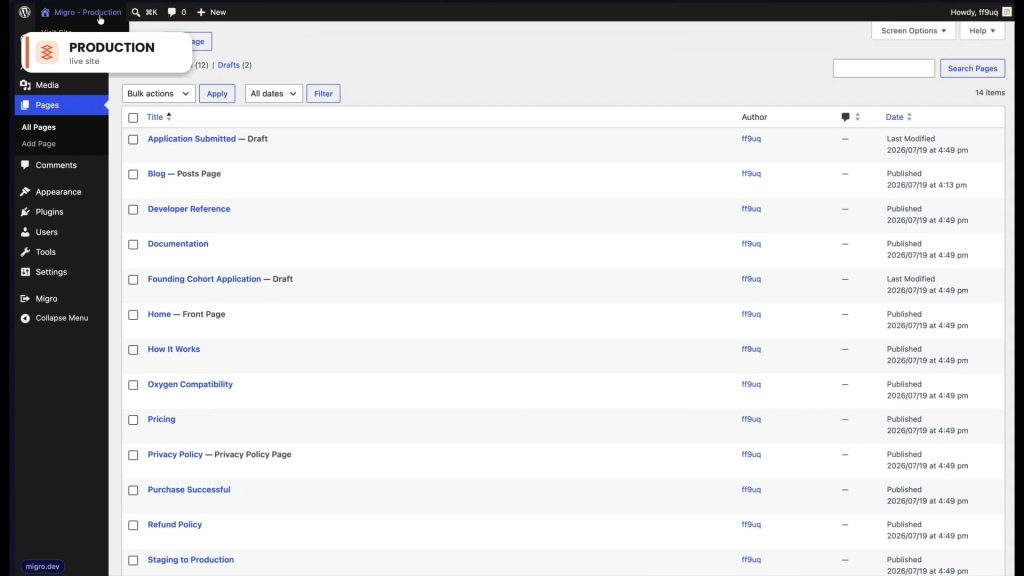
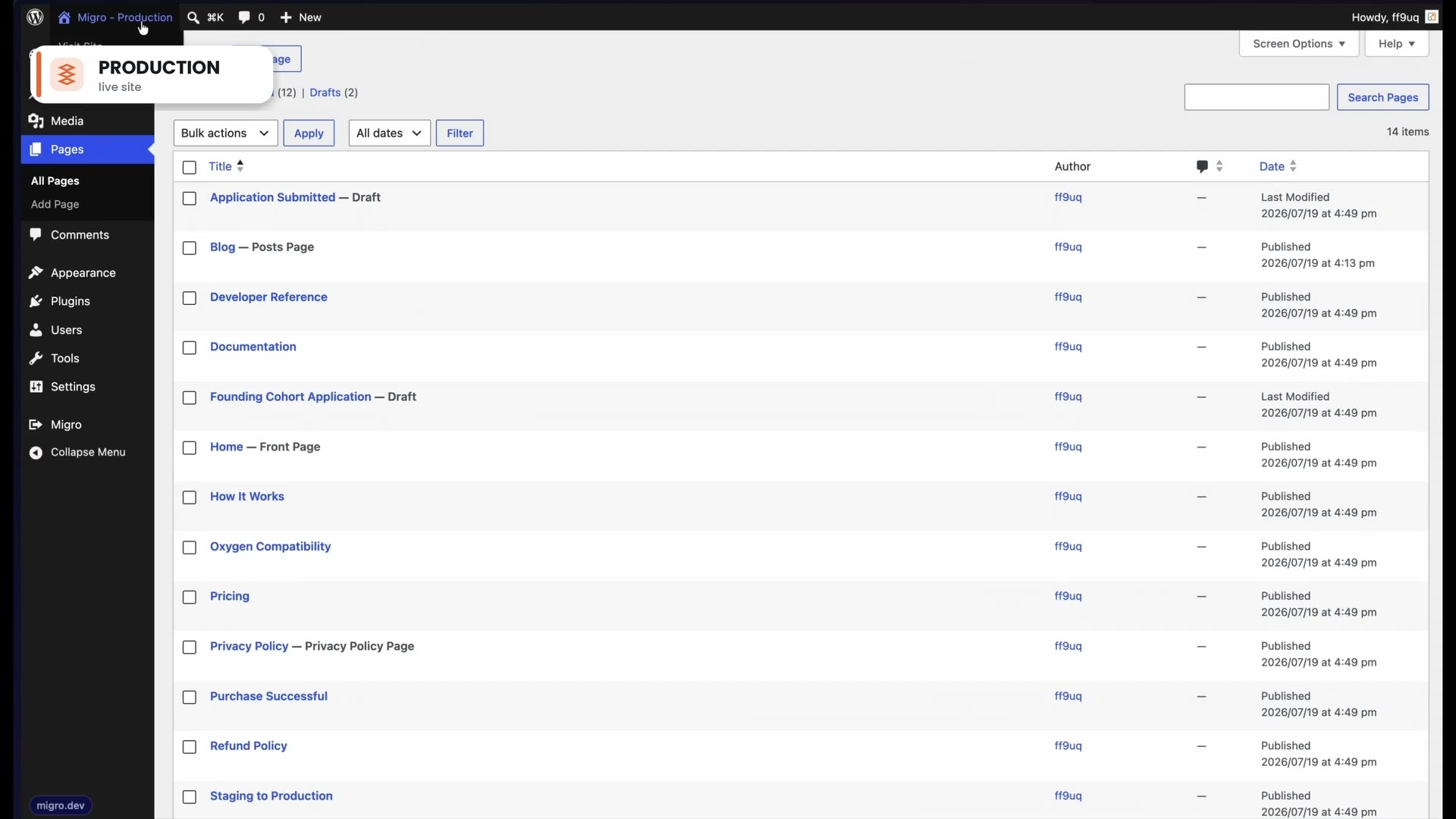
The wizard, live progress, scheduling, and the Gutenberg sidebar.




Questions, review copies, interviews
Write to support@migro.dev and it reaches the person who wrote the plugin. Happy to hand out a Pro license for review, walk through the code, or answer the awkward questions about limitations on the record.